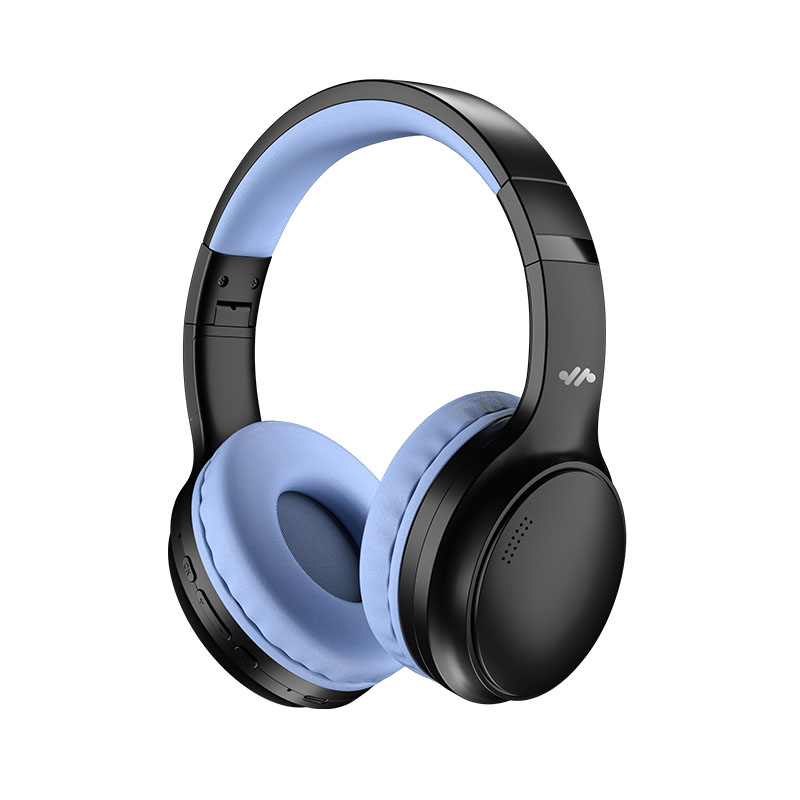
There is nothing more disruptive than losing audio in the middle of a game, a meeting, or your favorite music track. Even with today’s advanced connectivity standards, wireless headphones and headsets can still experience occasional disconnection.
As a global gaming peripheral brand and professional wireless headset manufacturer, AULA designs systems to minimize these interruptions. Understanding why disconnections happen is the first step to achieving a more stable listening experience—whether you are using a standard wireless headset or a competitive-grade wireless gaming headset.
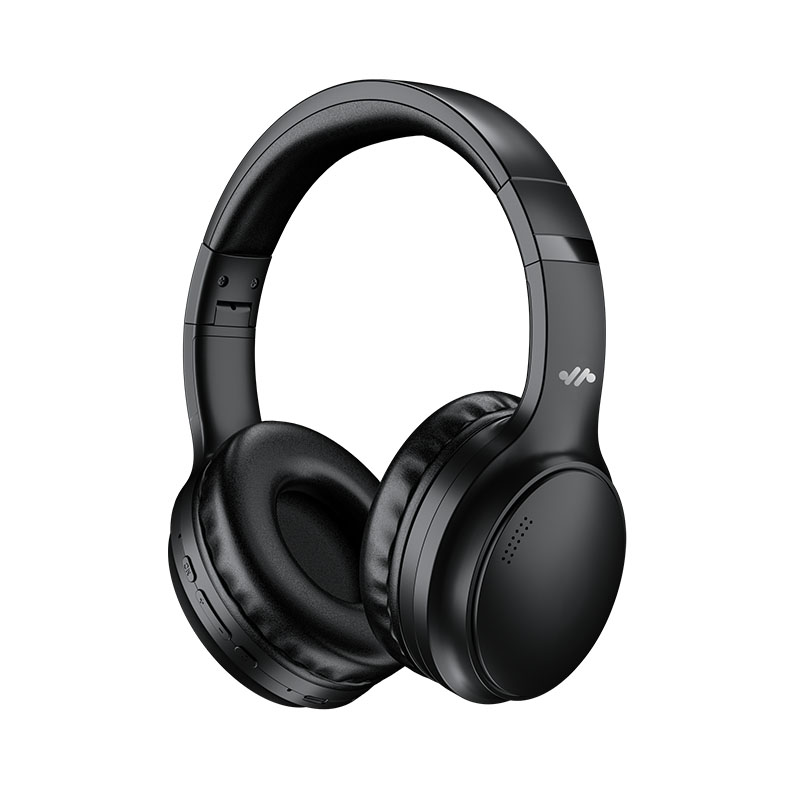
📡 1. 2.4GHz and Bluetooth signal congestion
Most modern wireless headphones rely on either Bluetooth or 2.4GHz wireless transmission. Both operate within a crowded frequency environment.
In real-world usage, this band is shared with:
- Wi-Fi routers
- Smart home devices
- USB 3.0 peripherals
- Other nearby Bluetooth products
When too many signals overlap, packet loss can occur. This leads to temporary audio cuts or full reconnection delays.
🧍 2. Physical interference and signal blocking
Wireless signals are highly sensitive to physical obstruction.
Common blocking factors include:
- Human body positioning
- Walls and furniture
- Metal objects and PC cases
For example, placing your phone in a pocket or positioning your PC under a desk can significantly reduce signal strength to your wireless headset. Even a slight movement can occasionally trigger brief instability.
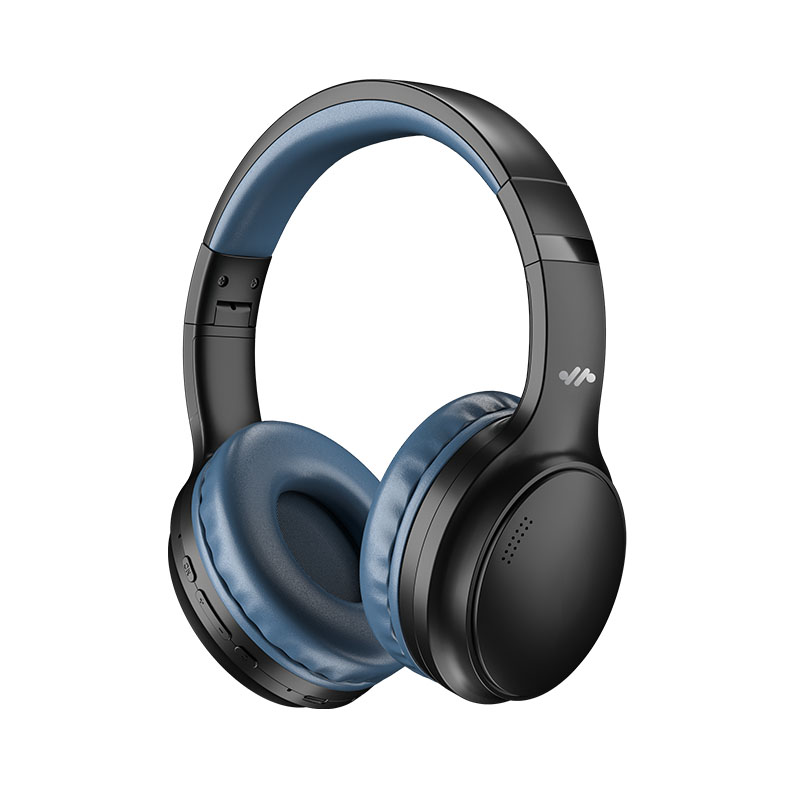
🔋 3. Power management behavior
Battery optimization is another overlooked factor.
Modern systems often prioritize energy efficiency:
- Reducing transmission power when battery is low
- Temporarily pausing idle audio channels
- Reinitializing Bluetooth connection after sleep states
These behaviors may feel like disconnections, especially during light or intermittent usage scenarios.
💻 4. Driver and firmware inconsistencies
On the software side, stability depends heavily on system optimization.
Common issues include:
- Outdated Bluetooth drivers
- Corrupted pairing cache
- Multi-device connection conflicts
When a wireless headset is paired with multiple devices, priority switching between audio sources can sometimes interrupt playback.
🎮 5. Performance demands in gaming environments
For users of a wireless gaming headset, latency and stability are critical.
High-speed gameplay can expose weaknesses in standard Bluetooth connections, especially when:
- Competing wireless devices are nearby
- High data transmission is required (voice + game audio)
- Real-time synchronization is essential
This is why many gaming-focused systems rely on dedicated low-latency wireless solutions.
🧠 How AULA improves wireless stability
As a dedicated wireless headset manufacturer, AULA focuses on reducing real-world dropout scenarios through hardware and system design.
Key engineering approaches include:
- Dual-mode connectivity (2.4GHz + Bluetooth) for stable switching
- Optimized antenna placement to reduce signal loss
- Low-latency transmission architecture for gaming scenarios
- System-level compatibility testing across platforms
These improvements ensure more stable performance across both casual wireless headphones and high-demand gaming setups.
🛠️ Practical fixes you can apply immediately
Before assuming hardware failure, try the following:
- Re-pair the device by clearing Bluetooth history
- Reduce nearby wireless congestion (move away from routers or USB 3.0 hubs)
- Update firmware or drivers from the official support source
- Avoid multi-device switching conflicts during active use
These small adjustments often resolve most instability issues.
🧩 Conclusion:
Wireless disconnections are usually caused by a combination of signal congestion, physical interference, power management, and software limitations.
With proper setup and optimized hardware design from experienced manufacturers like AULA, users can achieve significantly more stable performance from their wireless headset and wireless gaming headset devices. Reliable wireless audio is not just about connection—it is about engineering consistency from chip to antenna.